2 · Your first simulation
A simulation replays the real rules, deterministically, over real history — and then tells you the truth about them. This guide fetches data, runs the report, and teaches you how to read the one word that matters.
Step 1 — Get a read-only market-data key
Candle history is fetched through Coinbase's authenticated client, so keel fetch needs a free Coinbase Developer Platform (CDP) key with read-only permissions — market data only, no trading scope.
Give it to keel from the terminal — it prompts with the echo off and stores the pair in your operating system's keychain, not in a file, and never on the command line where shell history could keep it:
keel credentials set CDP_API_KEY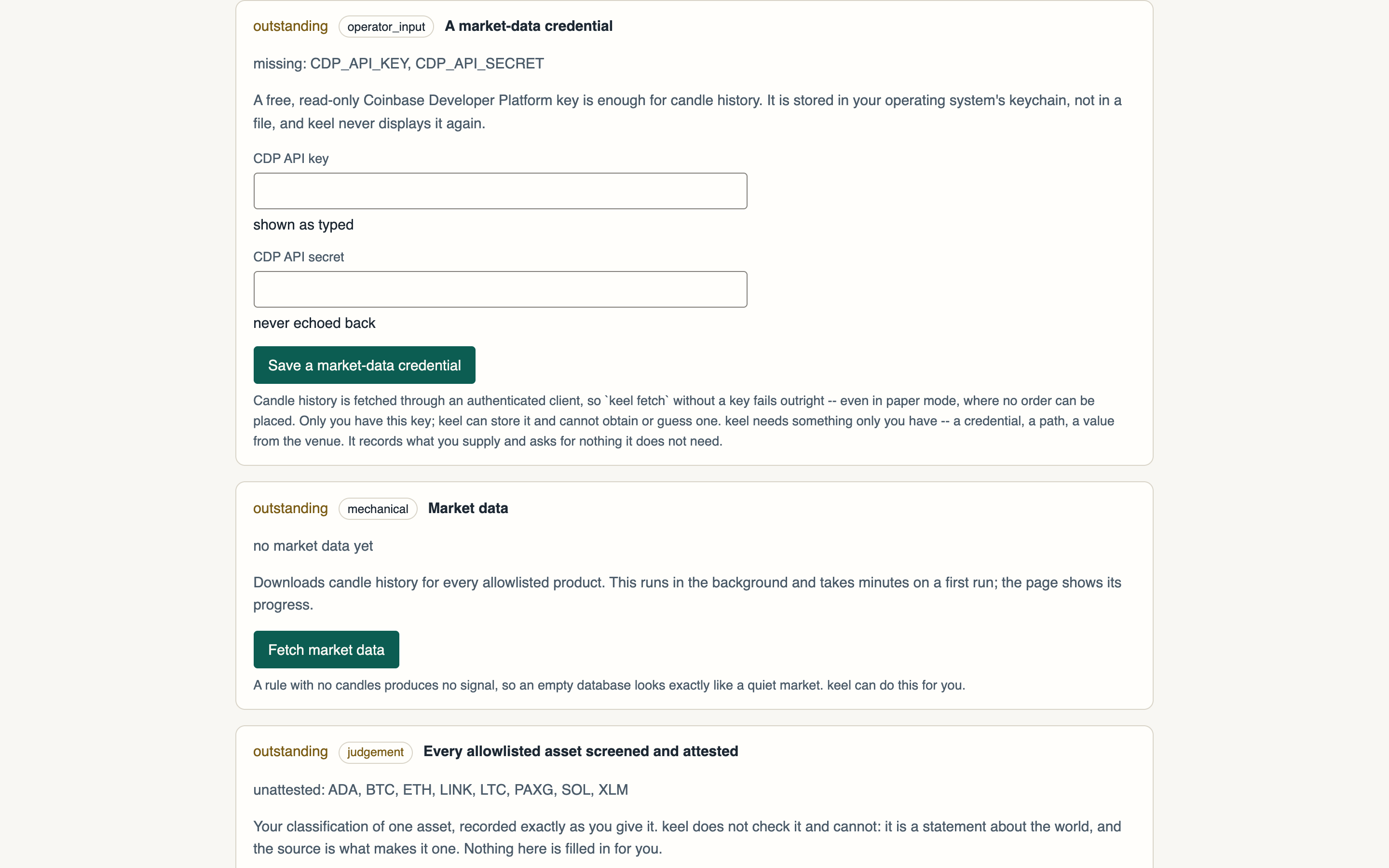
Step 2 — Warm the candle cache
On the console's Setup page, the Market data step has a Fetch market data button — it runs the fetch as a background job and the page shows its progress. Or run it from the terminal:
keel fetchStep 3 — Run the simulation
One command replays every seeded rule family over the fetched history and compares each against a simple DCA benchmark:
keel simulate --years 1 --skip-within-capStep 4 — Read the report honestly
The report ends with GO-LIVE or TRAIN-MORE, naming every gate and its numbers: performance floors, the 100-trade sample floor, the overfitting check.
On the default rules it will very likely say TRAIN-MORE. That is the engine working, not broken: keel refuses to flatter a backtest, and no shipped rule family is net positive at the taker fee actually paid. The honesty is the feature.
Step 5 — Watch the distance to the gate
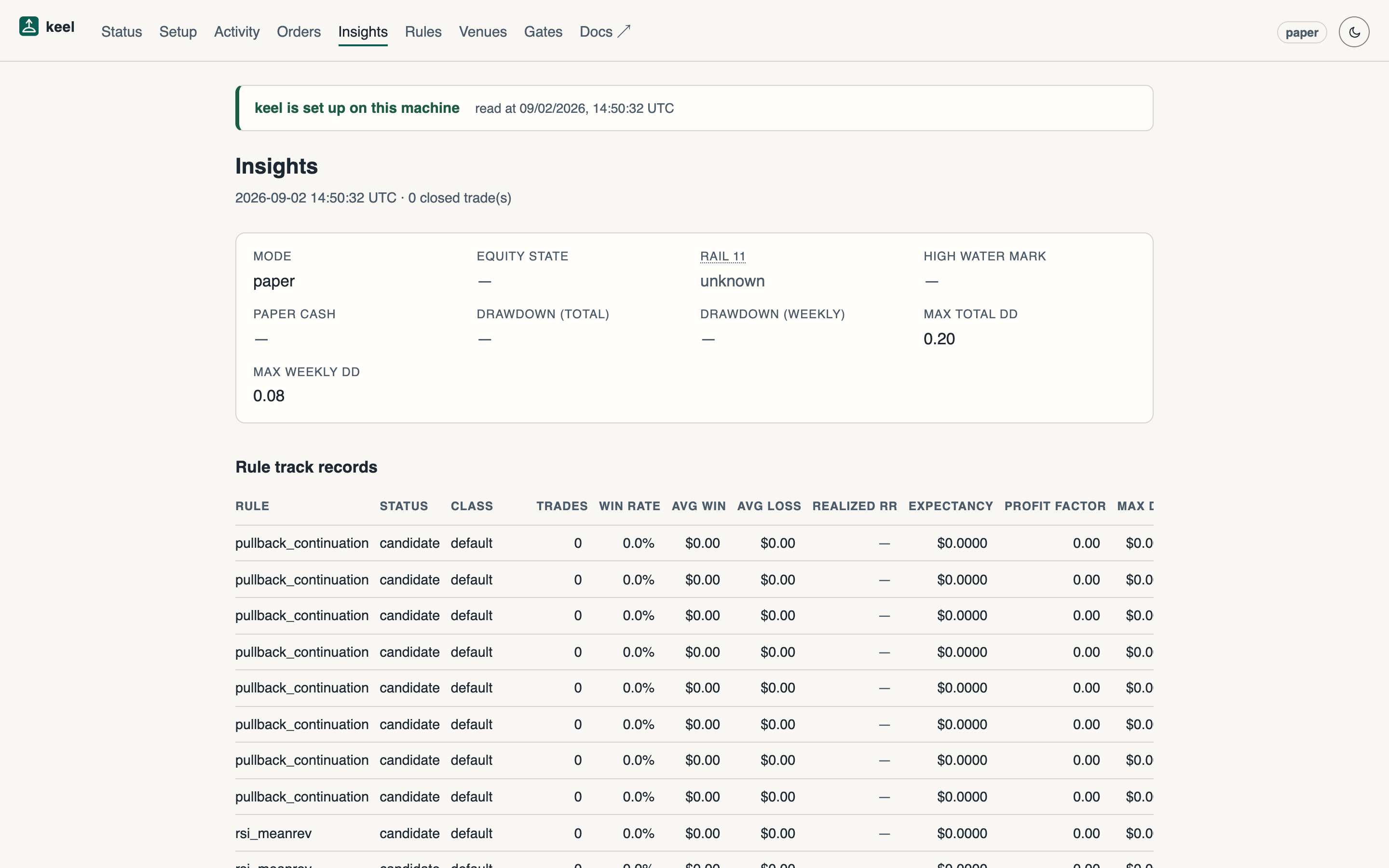
The console's Insights view reports read-only promotion-gate distance: how far each rule is from the floors it must clear. On a fresh deployment its gate-distance table says so plainly — no rule has the 20 trades the sample floor needs — which is exactly the report's TRAIN-MORE, one click away, re-read every fifteen seconds.
Next
Rules that clear their gates move from candidate to paper — the subject of the next guide.